
We’ve handled dozens of business laptops over the last few years, and the Dell Vostro 3530 keeps coming up in conversations with professionals who want something simple, durable, and productive without spending a fortune.
If you’re searching for the Dell Vostro 3530, chances are you’re looking for a no-nonsense 15.6-inch laptop for office work, client meetings, or remote work. You want good keyboard feel, decent battery life, and reliable performance at a reasonable price.
In this review, we share our real experience with the 13th Gen Dell Vostro 3530 after using it for daily productivity tasks, travel, and long work sessions. We’ll break down where it shines and where it falls short in 2026.
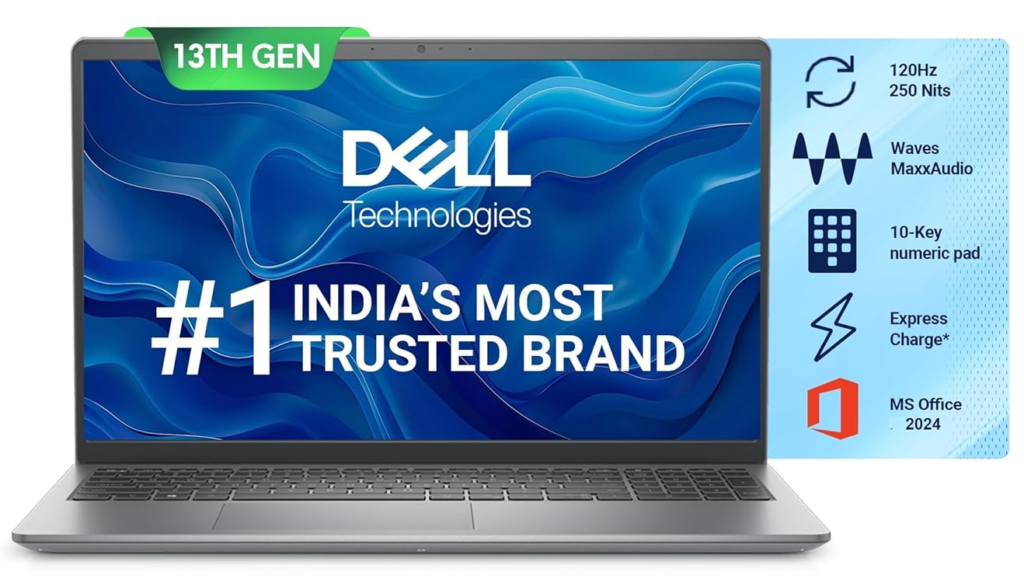
Table of Contents
Design & Build
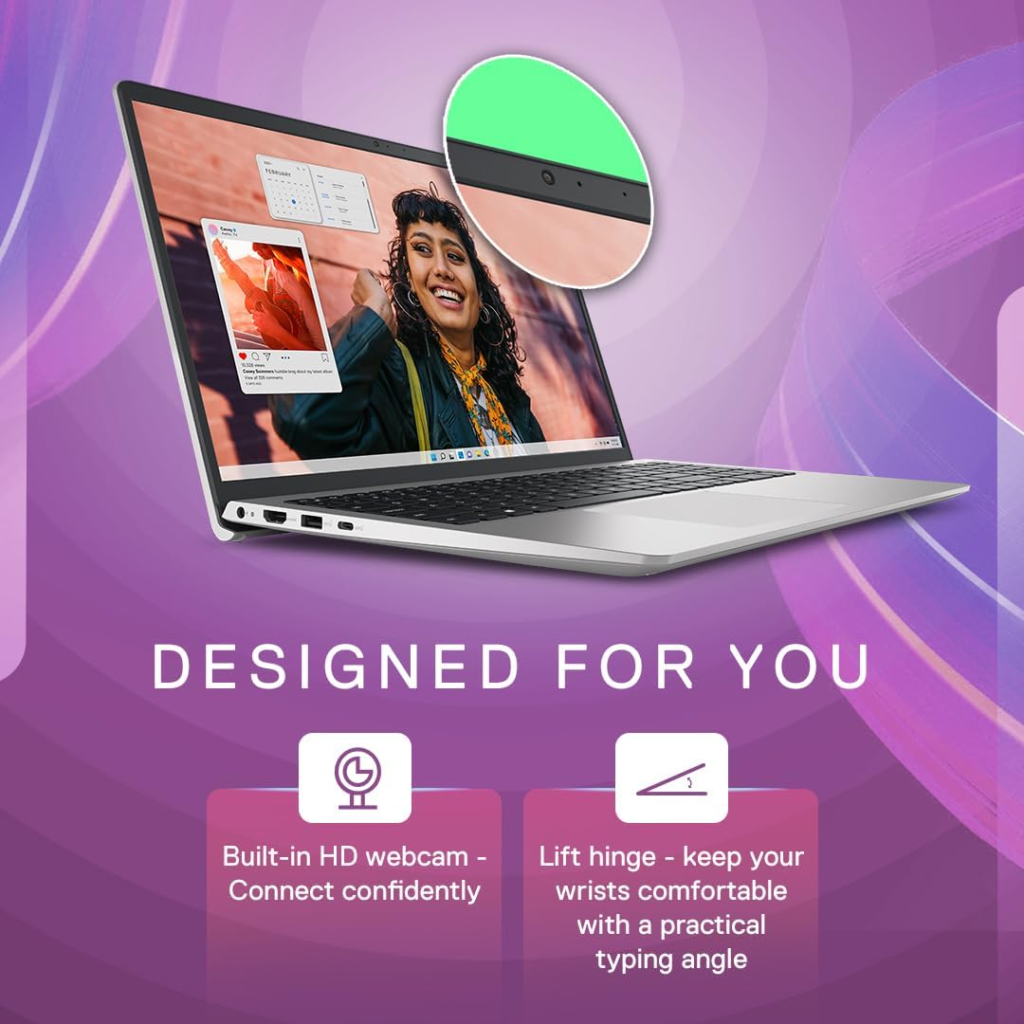
The Dell Vostro 3530 follows Dell’s classic business laptop design language — clean, professional, and built to last. It uses a plastic chassis with a matte finish that resists fingerprints better than glossy surfaces. At 1.66 kg and 19.9 mm thick, it feels reasonably portable for a 15.6-inch laptop.

The build quality is solid for daily use, though it lacks the premium aluminium feel of higher-end models like the XPS or Latitude series. The lid has decent rigidity, and the hinge feels stable even when typing on your lap. It comes in a simple charcoal grey colour that looks professional in office environments. The overall design is functional rather than flashy, which is exactly what most business users prefer.
At the Core – Performance
The Dell Vostro 3530 we tested comes with the 13th Gen Intel Core i5-1334U processor, 16GB DDR4 RAM, and 512GB SSD. Everyday tasks like browsing with 20+ tabs, Microsoft Office, Zoom calls, and PDF work feel smooth. The i5-1334U handles multitasking well for a U-series processor.
We didn’t experience major lag during normal office use. It is not meant for heavy video editing, 3D rendering, or gaming. For those tasks, you’ll need to look at gaming laptops or higher-spec workstations. The 16GB RAM configuration is a big plus — it future-proofs the laptop better than 8GB models.
The processor performs reliably for most professional and academic work. Multitasking between multiple applications remains smooth throughout the day.
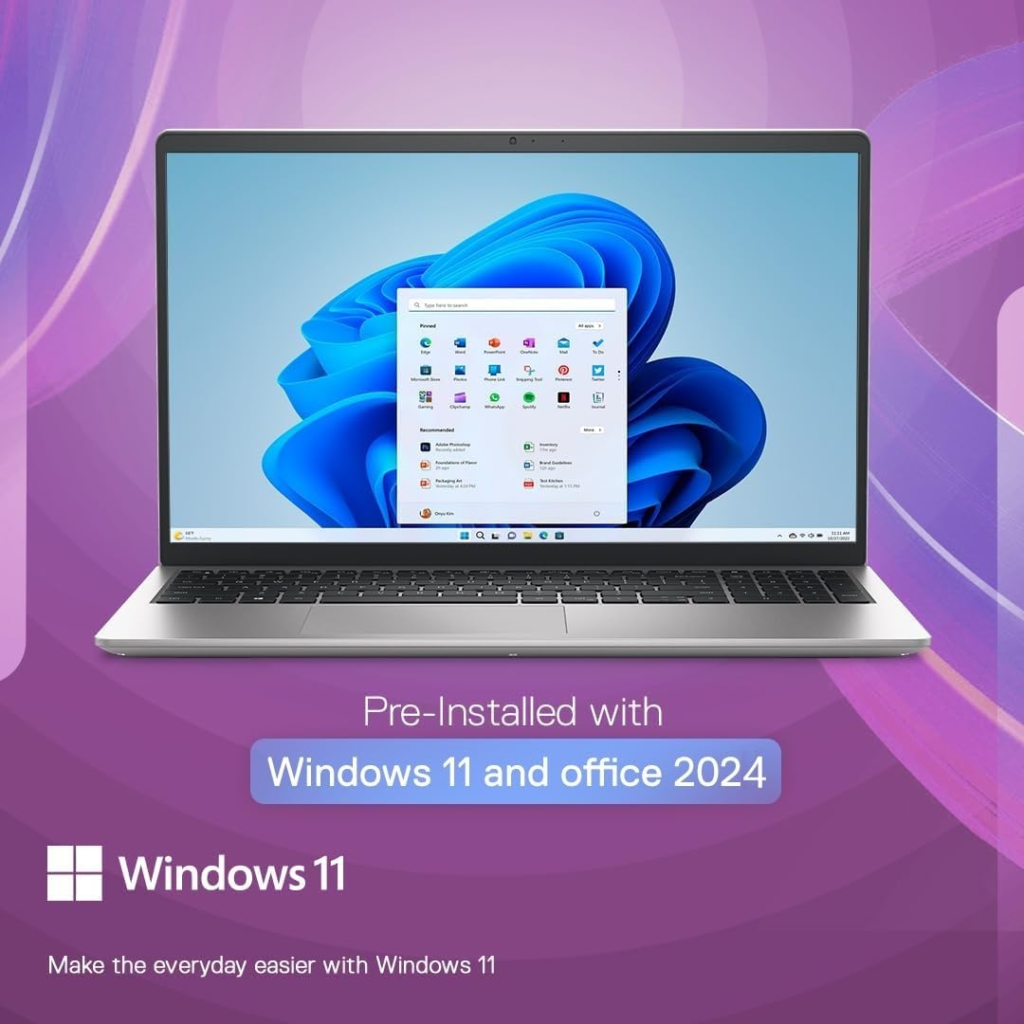
It comes pre-installed with Windows 11 and Office Home & Student Edition 2024.
Display
The 15.6-inch FHD (1920×1080) anti-glare display is one of the stronger points of this laptop. Colours are decent for office work and content consumption. Brightness is adequate for indoor use, and the anti-glare coating works well under office lighting and near windows.
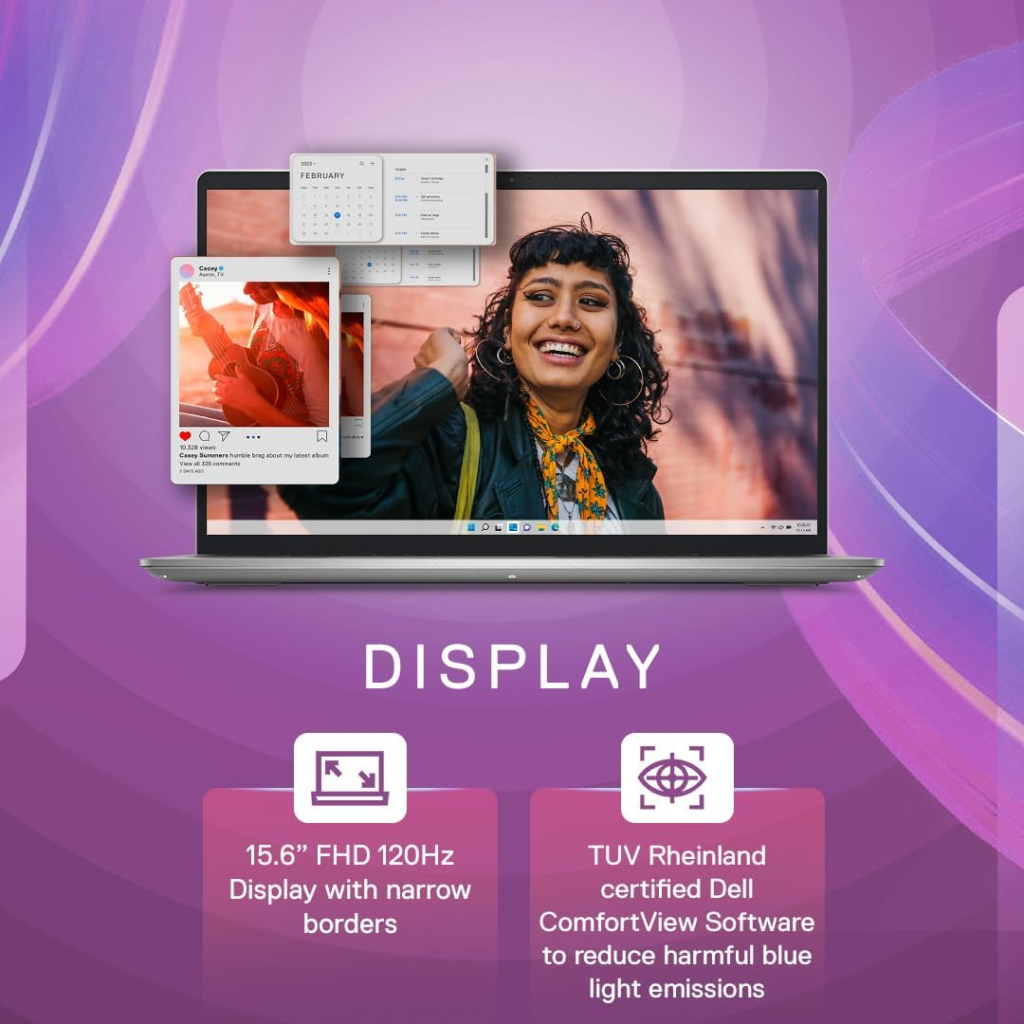
Viewing angles are average — colours shift slightly when viewed from the side. There is no touchscreen option in most configurations. The display is not the most vibrant in its class, but it gets the job done without causing eye strain during long hours of work. Text clarity is good, making it suitable for reading documents and spreadsheets for extended periods.
Keyboard & Trackpad
This is where the Vostro 3530 feels most like a proper business laptop. The keyboard has good key travel and a comfortable typing experience for long hours. The layout is standard with a good-sized Enter and Shift keys. Backlit keyboard is available in higher configurations, which is very useful for late-night work.
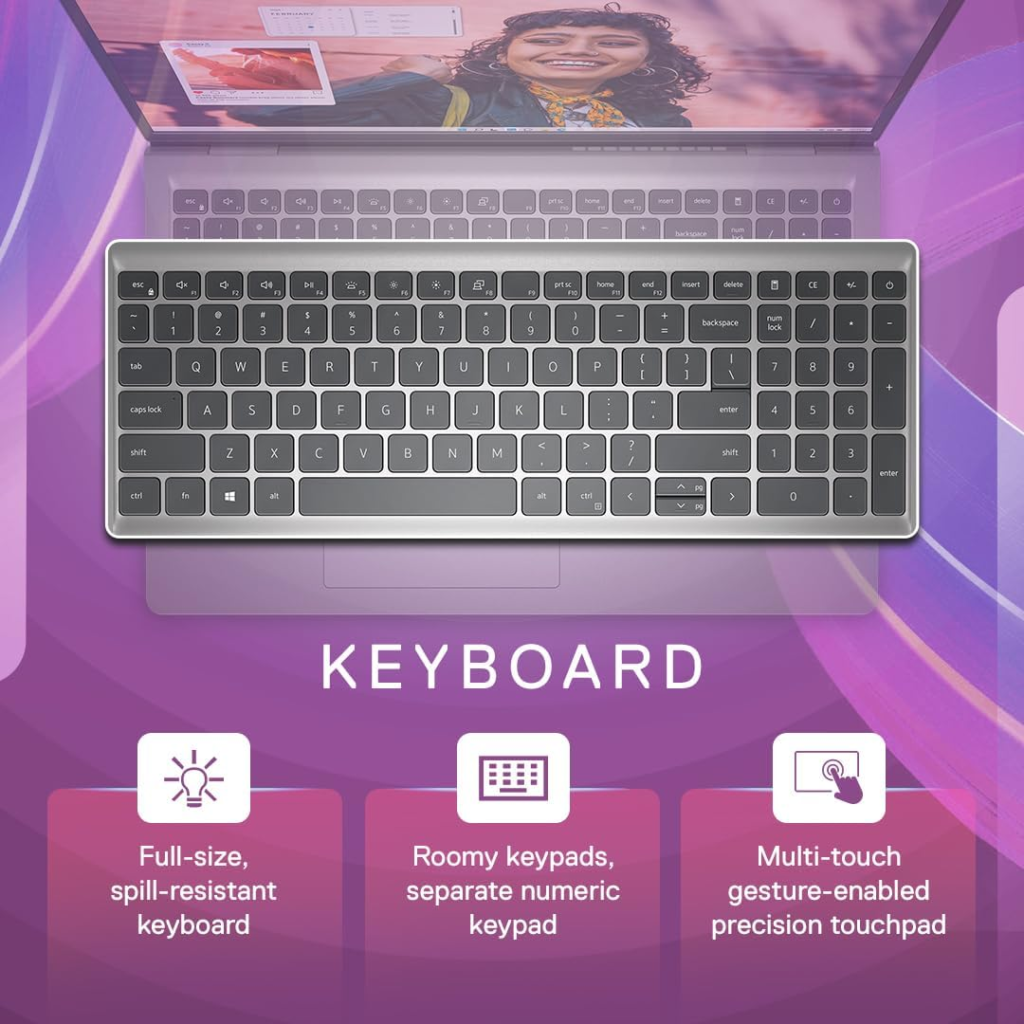
The trackpad is large, smooth, and responsive with good palm rejection. We experienced no major typing fatigue even after 6–7 hours of continuous use. The overall typing experience is one of the best in this price segment. The keys offer a satisfying tactile feedback that supports long writing sessions without discomfort.
Also Read,
HyperX OMEN 16 Valorant Edition: Is the 2026 Limited Laptop Worth It?
Battery
Battery life is one of the most important factors for business users. With the 54Wh battery, we got around 7 to 8.5 hours of real-world usage during web browsing, Office work, and occasional video calls at 50% brightness. Heavy usage brings it down to 5–6 hours.
It supports decent charging speeds — you can get a good amount of charge in about an hour. The laptop doesn’t get uncomfortably warm on the lap even during extended use. For most professionals, this battery performance is sufficient for a full workday without needing to carry the charger.
Cooling and Thermal Efficiency
Dell has done a decent job with thermals in the Vostro 3530. Under normal office workload, the laptop stays cool and quiet. During heavier tasks like multiple Chrome tabs and video calls, fans become audible but not annoying.
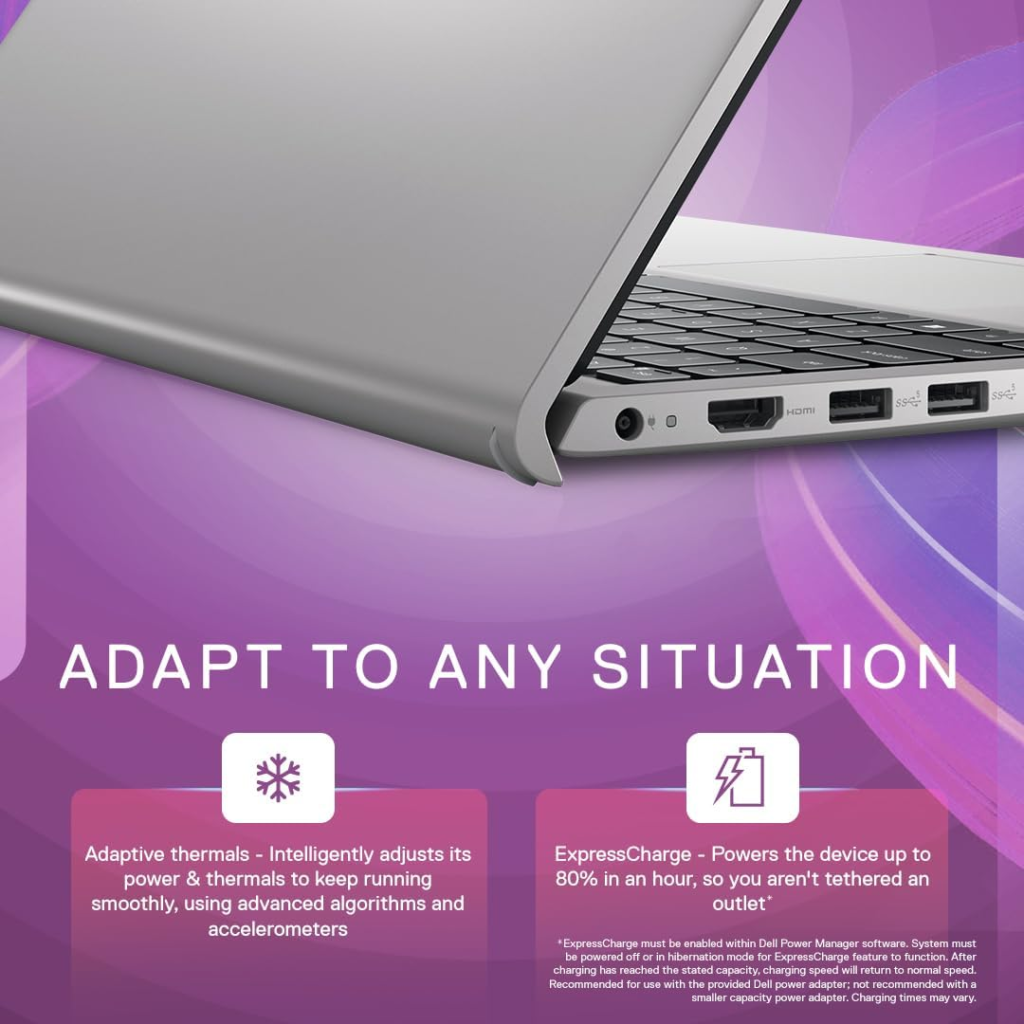
The bottom panel doesn’t get excessively hot, so it remains comfortable on your lap. There are no aggressive thermal throttling issues in daily use. The cooling system prioritises quiet operation, which is appreciated in office and library environments. This makes it suitable for long meetings or shared workspaces.
Audio Experience
The audio setup is average, which is expected in this price segment. Dual speakers deliver clear sound for video calls and YouTube. Bass is limited, so music and movies don’t feel immersive. Volume levels are decent for small to medium rooms.
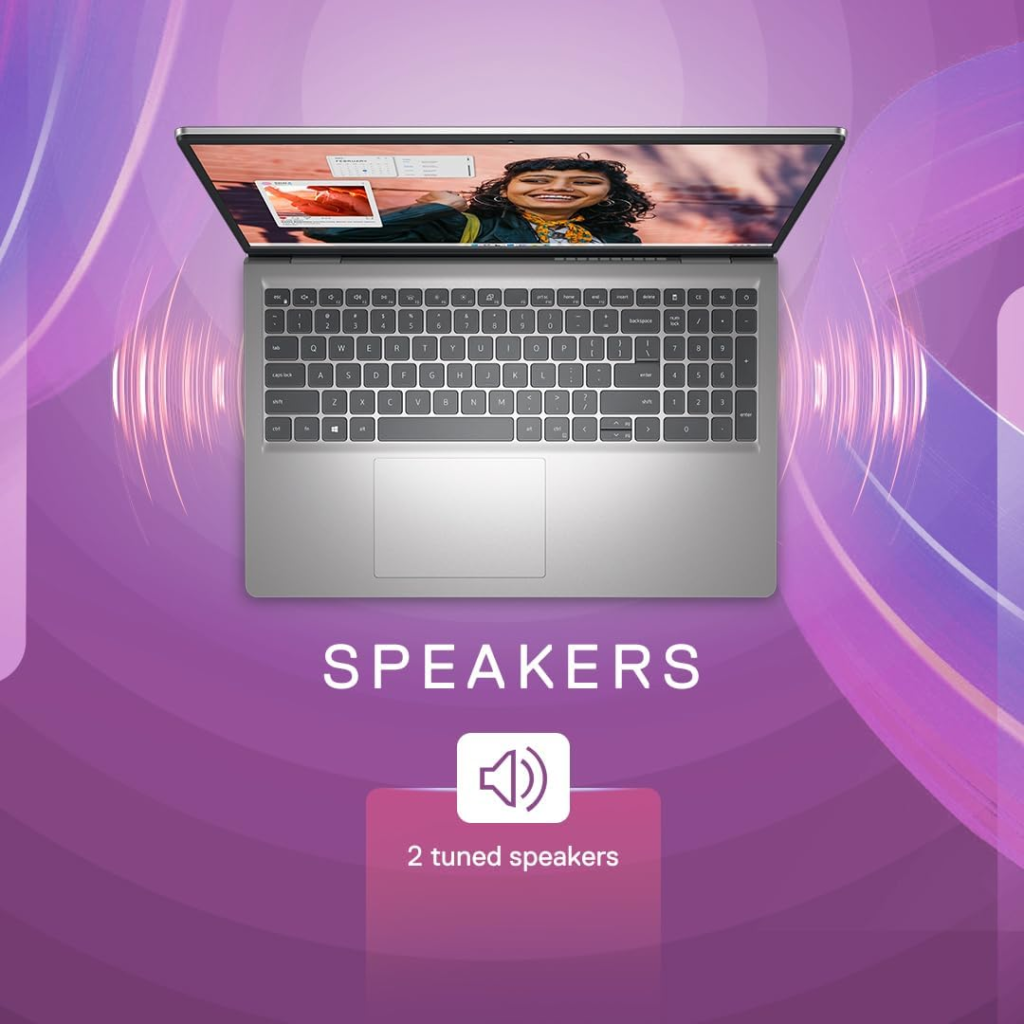
The 3.5mm headphone jack works well if you want better audio quality through external headphones or earbuds. For most users who primarily use the laptop for calls and occasional media consumption, the built-in speakers are adequate.
Connectivity and Ports
Dell has included a good selection of ports on the Vostro 3530. You get one USB-C 3.2 Gen 1 with DisplayPort and Power Delivery support, two USB-A 3.2 Gen 1 ports, HDMI 1.4, an RJ-45 Ethernet port, SD Card Reader, and a 3.5mm headphone jack.
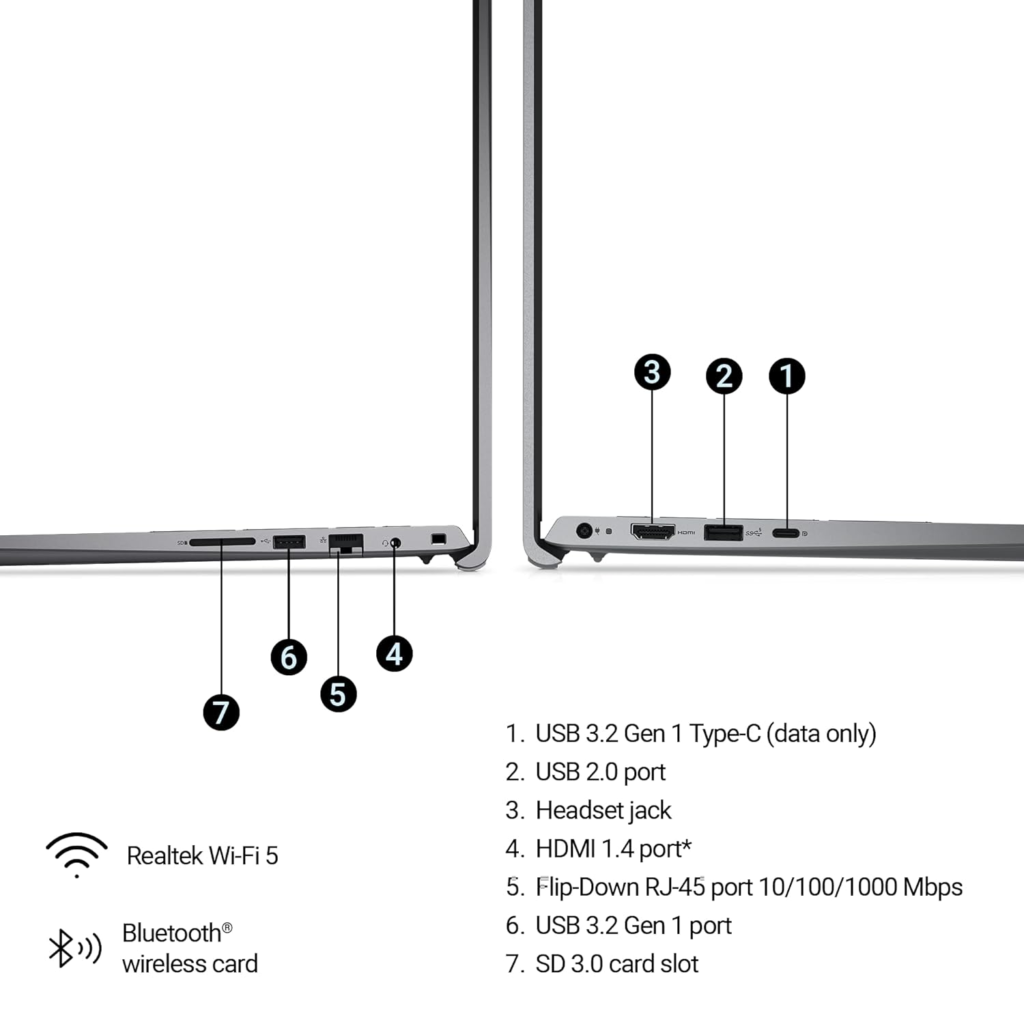
This is one of the better port selections in the segment. The Ethernet port is especially useful for office environments where stable wired internet is preferred. Having multiple USB ports and an SD card reader adds convenience for professionals who frequently transfer files or connect peripherals.
Price
As of July 2026, the Dell Vostro 3530 (i5 + 16GB RAM + 512GB SSD) is available in India in the ₹58,000 – ₹65,000 range depending on offers and configurations. It often goes on sale during Amazon and Flipkart sales.
At this price, it offers strong value for professionals who need reliability over flashy specs. Compared to consumer laptops in the same budget, the Vostro feels more business-ready with better keyboard and port selection. During festive sales, it becomes an even more attractive option.

Final Words
The Dell Vostro 3530 is a practical, no-frills business laptop that delivers where it matters most — keyboard comfort, reliable performance for daily work, decent battery life, and useful ports.
It is best suited for office professionals, students who need a durable daily driver, and people who prefer the Windows + Microsoft Office ecosystem. It is not the right choice if you need strong graphics performance, a premium display, or battery life beyond 9–10 hours.
If your work is mostly productivity-focused and you want a dependable laptop that won’t let you down, the Dell Vostro 3530 is a safe and sensible choice in 2026.
FAQ
Is Dell Vostro 3530 good for students? Yes, especially for college students who need it for notes, assignments, online classes, and light multitasking.
Does Dell Vostro 3530 have a backlit keyboard? It depends on the specific configuration. Higher variants usually include a backlit keyboard.
Can I upgrade RAM and storage in Dell Vostro 3530? Yes, both RAM and SSD are upgradable in most configurations.
How is the webcam quality on Dell Vostro 3530? The 720p webcam is average — fine for video calls but not great in low light conditions.
Is Dell Vostro 3530 good for coding? It can handle basic to intermediate coding and development work comfortably.
What is the warranty on Dell Vostro 3530? It usually comes with 1 year of standard warranty. You can extend it through Dell’s website.
Stay Healthy, Stay Safe, Jai Hind!